A hybrid event is one where the same programme runs in a physical venue and is streamed live to an online audience at the same time. At a conference, launch, sales meeting or panel, guests in the room watch the stage in person while remote attendees join the stream, ask questions and vote in polls. A successful hybrid event gives both audiences a good experience at once.
What is a hybrid event, and why choose one?
A hybrid format means attendance is no longer capped by the size of the venue. Teams in other cities, busy guests and international participants can join without travelling. The recording also gives you an archive that can be reused as content after the event.
But a hybrid event is not just an in-person event with a camera pointed at the stage. Remote viewers need their own running order, their own audio mix and their own way to take part. Without that, the person at the screen becomes a passive spectator watching from the back of the room.
Designing for two audiences
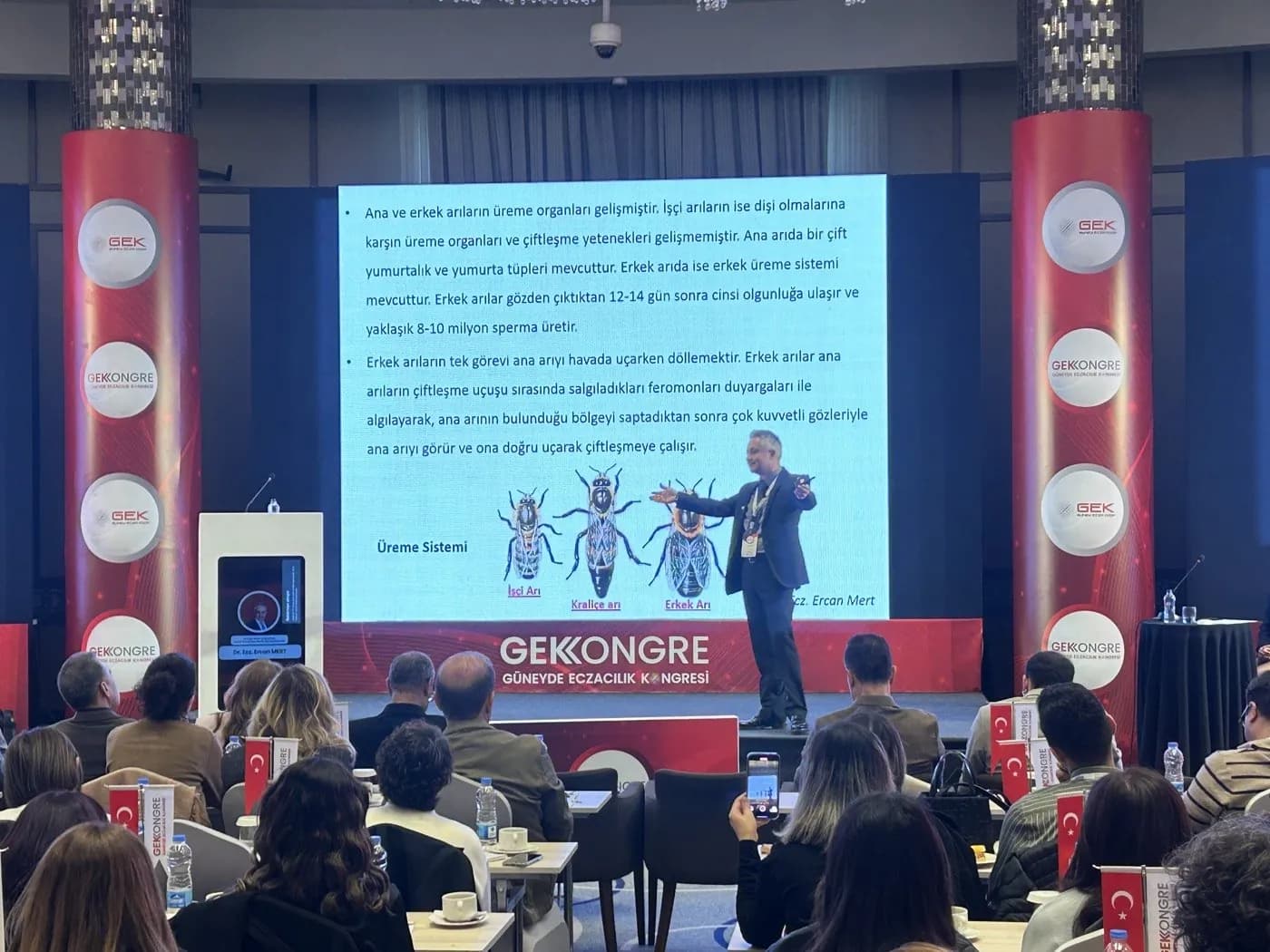
People in the room experience the stage, the lighting and the atmosphere. People online only experience what they see and hear on screen. So planning should start with two questions: what should the room feel, and what should the screen show?
For the online audience, keep breaks short, fill gaps with informative graphics and have the host speak directly to camera from time to time. For the room, putting online questions up on screen helps connect the two audiences.
Technical setup: stage, sound, lighting, LED and cameras
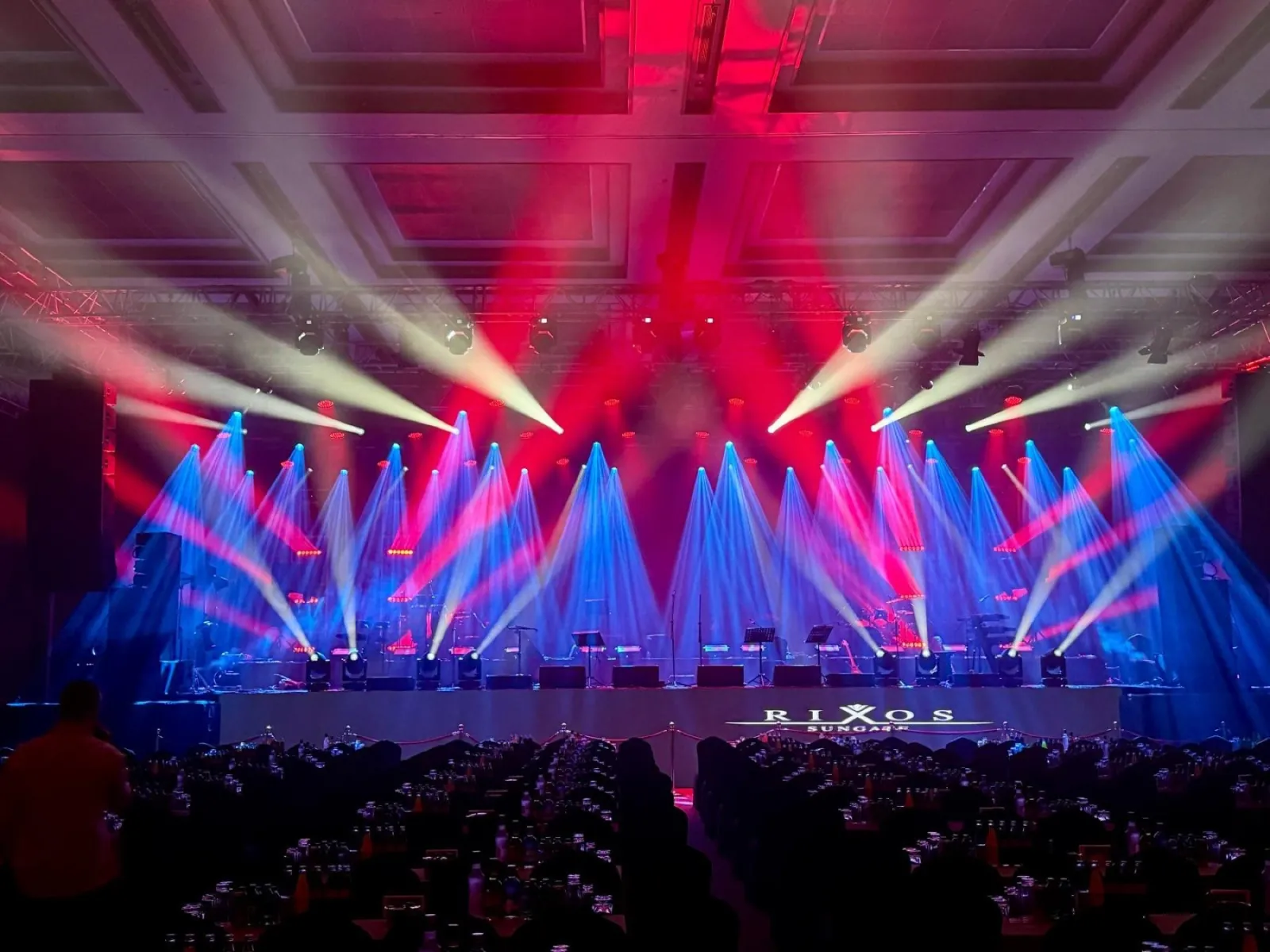
In a hybrid event, the technical setup has to serve the venue and the stream at the same time. Equipment should therefore be chosen with the camera in mind, not just the room. The core components are:
- Stage: a layout that accounts for camera angles and how speakers move
- Sound: a clean broadcast mix kept separate from the PA, plus backup microphones
- Lighting: front light that keeps faces natural on camera, with consistent colour temperature
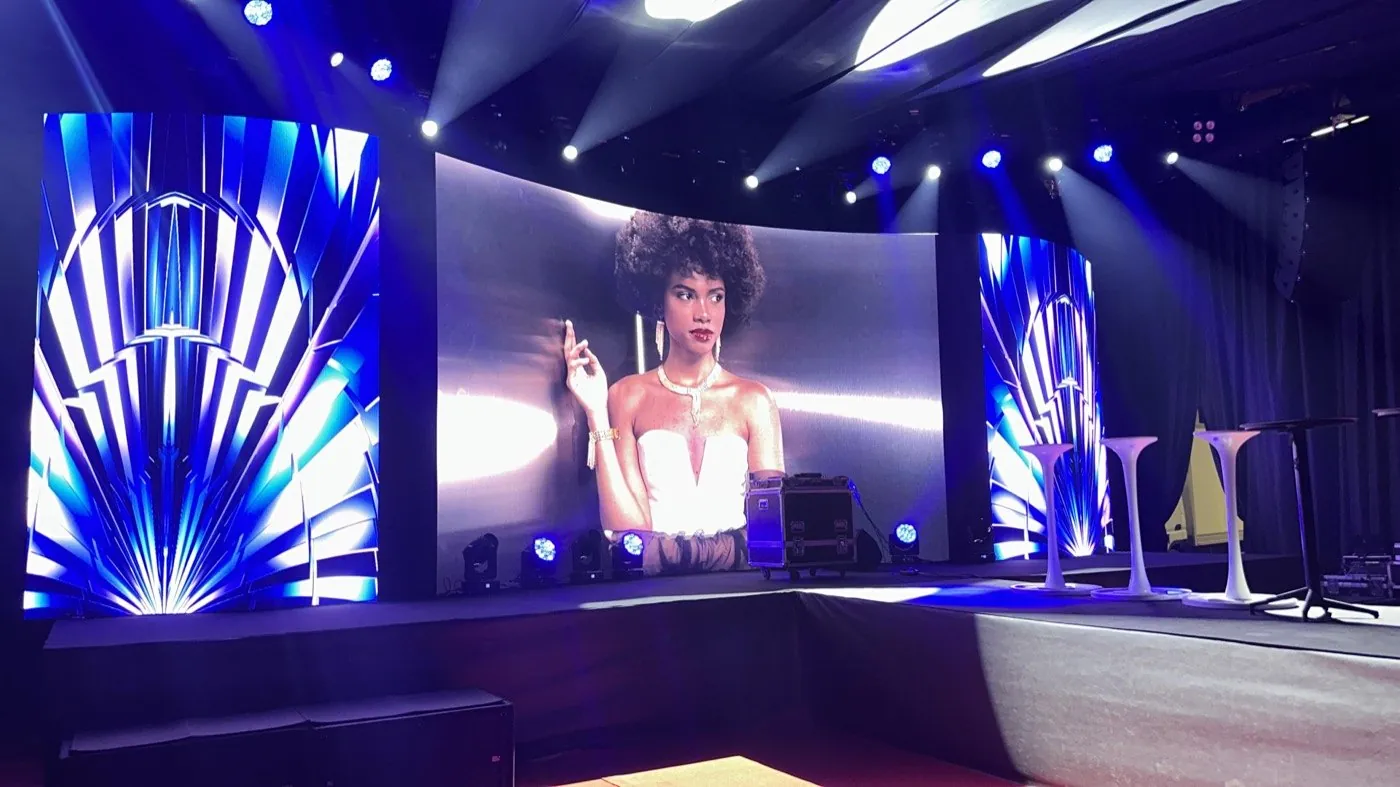
- LED screens: panels that do not flicker on camera and whose brightness can be tuned for the stream
- Cameras: at least two or three angles covering wide, close-up and audience shots
- Connectivity: a wired, redundant internet line with bandwidth reserved for streaming
LED screens and lighting in particular can look great in the room and still cause problems on camera. Watching the programme feed on a separate monitor during rehearsal catches these issues early. Having one event production team handle all of these elements also simplifies communication between the stage and the stream.
Live streaming production and the event platform
Live streaming production combines camera switching, presentation slides, lower thirds and graphics into a single programme feed. Where people watch it matters just as much. An event page that brings together registration, login, the session schedule and the player keeps attendees from getting lost.
Engagement is what keeps remote attendees watching. Live Q&A, real-time polls and post-session feedback forms should all be part of the plan. A dedicated event website that captures registration and engagement data also makes it easier to stay in touch with attendees afterwards.
Hybrid event planning checklist
- Write down the objective and what each audience expects
- Check the venue’s internet and power capacity well in advance
- Draw the camera positions and stage plan together
- Choose the streaming platform, registration page and access method
- Assign a moderator for Q&A and polls
- Rehearse with speakers for both the room and the camera
- Prepare a fallback plan and a holding screen in case the connection drops
- Decide in advance how the recording will be shared after the event
Common mistakes to avoid
Most problems at hybrid events come from planning rather than technology. The mistakes we see most often are:
- Connecting remote attendees through a single fixed camera
- Feeding room audio straight into the stream, resulting in echo and muddy sound
- Relying on the venue’s shared Wi-Fi
- Ignoring online questions and only taking questions from the room
- Testing the stream for the first time when the event goes live
What these mistakes have in common is that the room and the stream were planned by separate teams working in isolation. Thinking about stage, sound, lighting, streaming and the web side together from the start reduces the risk considerably.
If you are planning your next conference, launch or meeting in a hybrid format, contact us and we can work through your needs together, from the technical setup to the event page.